Ubiquiti UDM Pro HDD swap
Follow these simple steps to replace the HDD in your UDM pro. Videos are attached to each step for your reference.
Shut Down UDM
Unplug UDM (Once Safe) & Remove Drive Caddy
Prepare New HDD
Remove Old HDD From Caddy & Install New HDD
Reinstall Drive Caddy & Plug in UDM
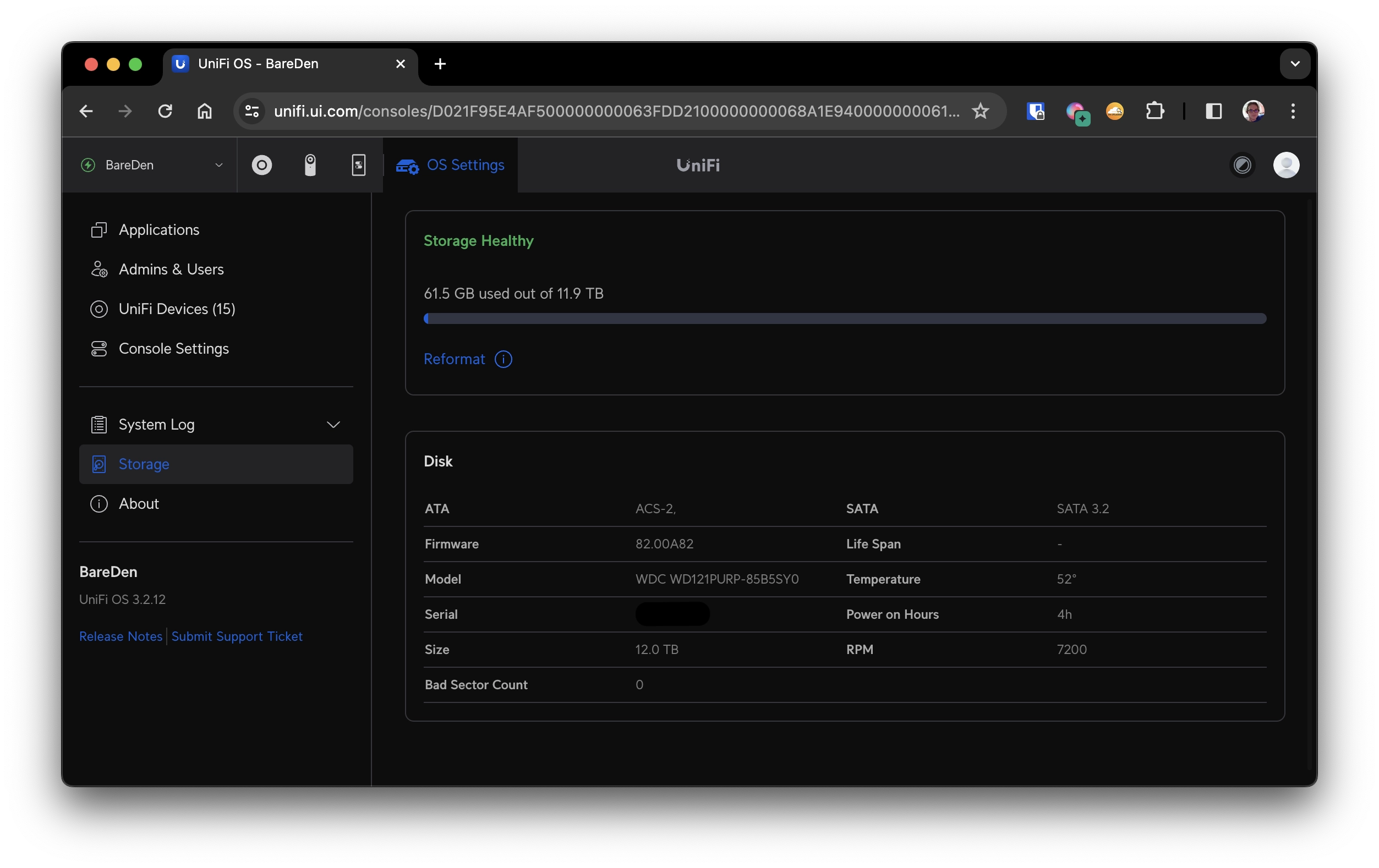
Confirm New HDD is Detected in Unifi Console Settings